
Porter County VINE Arrest Check
The Porter County Sheriff's Office VINE page is the local doorway into Indiana's victim notification service. PCSO says searches run by internet or phone. Registration brings phone or email notice. The published toll-free line is 1-866-959-VINE, also written as 1-866-959-8463. The sheriff links directly to VINELink site 15000. That channel tracks custody events. It does not replace PCSO Recent Bookings, Who's In Jail, a police report, or Indiana MyCase. A roster card tells you whether the county jail currently lists someone. VINE instead watches one individual. It sends notice after the participating system records a release, transfer, or another offered change. The official PCSO VINE explanation names the service and the county's notification route.
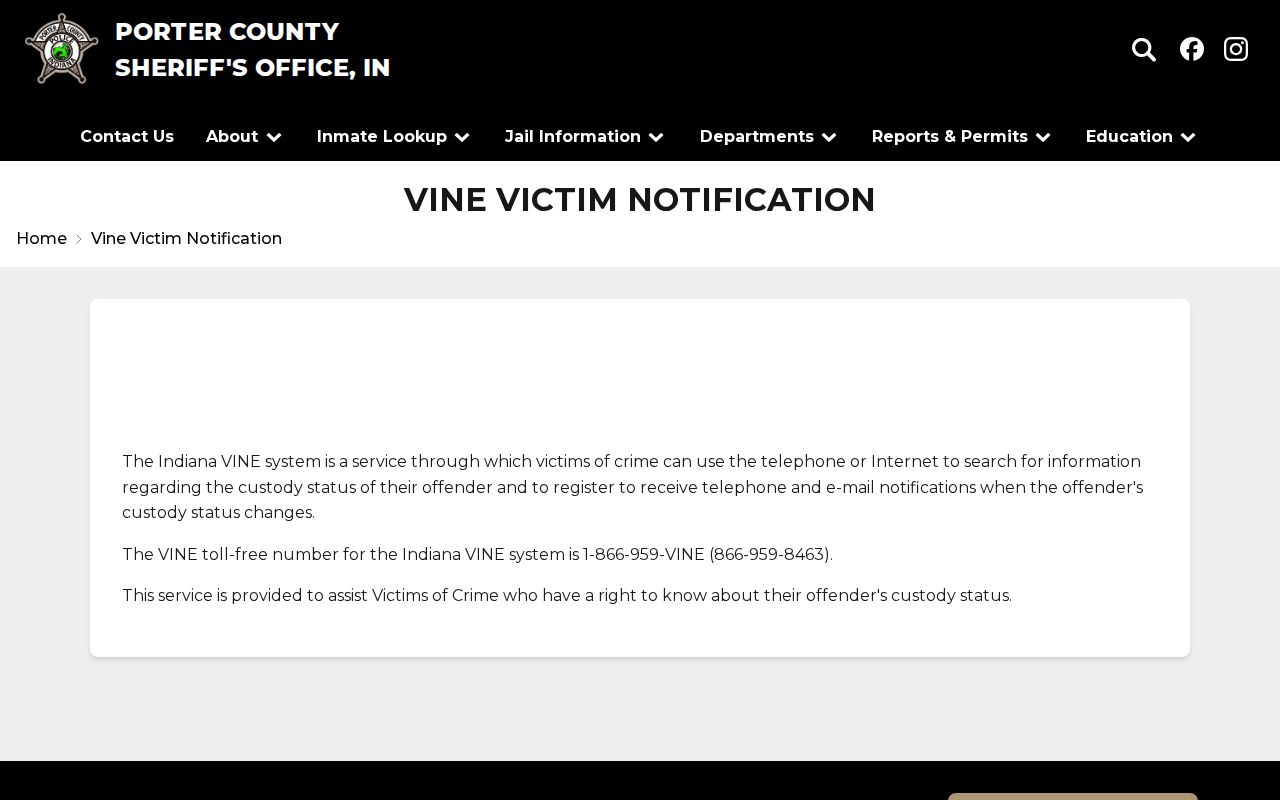
The capture establishes the sheriff’s official connection without displaying a list of booked people.
Search Porter County VINE Records
The live VINELink interface runs on JavaScript, so button names and field order can shift. Start from the county link first. Confirm Indiana and the Porter County deployment when asked for a site or facility. Then enter the most complete lawful details available. A full name beats a partial match every time.
- Open VINELink site 15000 from the PCSO VINE page.
- Confirm that Indiana and the Porter County site or facility are selected.
- Enter the person’s last name and first name or initial, or use the inmate ID when offered.
- Compare multiple results carefully and avoid relying on a common-name match alone.
- Open the matching custody result and read its status and facility labels.
- Use the registration control only after confirming the correct person.
Skip publishing birth dates, home addresses, private contacts, or VINE registration details while working out a match. A result can still look wrong. Call the listed custodian. Never force a match from incomplete data. The official Porter VINELink search screen displays the county-linked interface and its search controls.
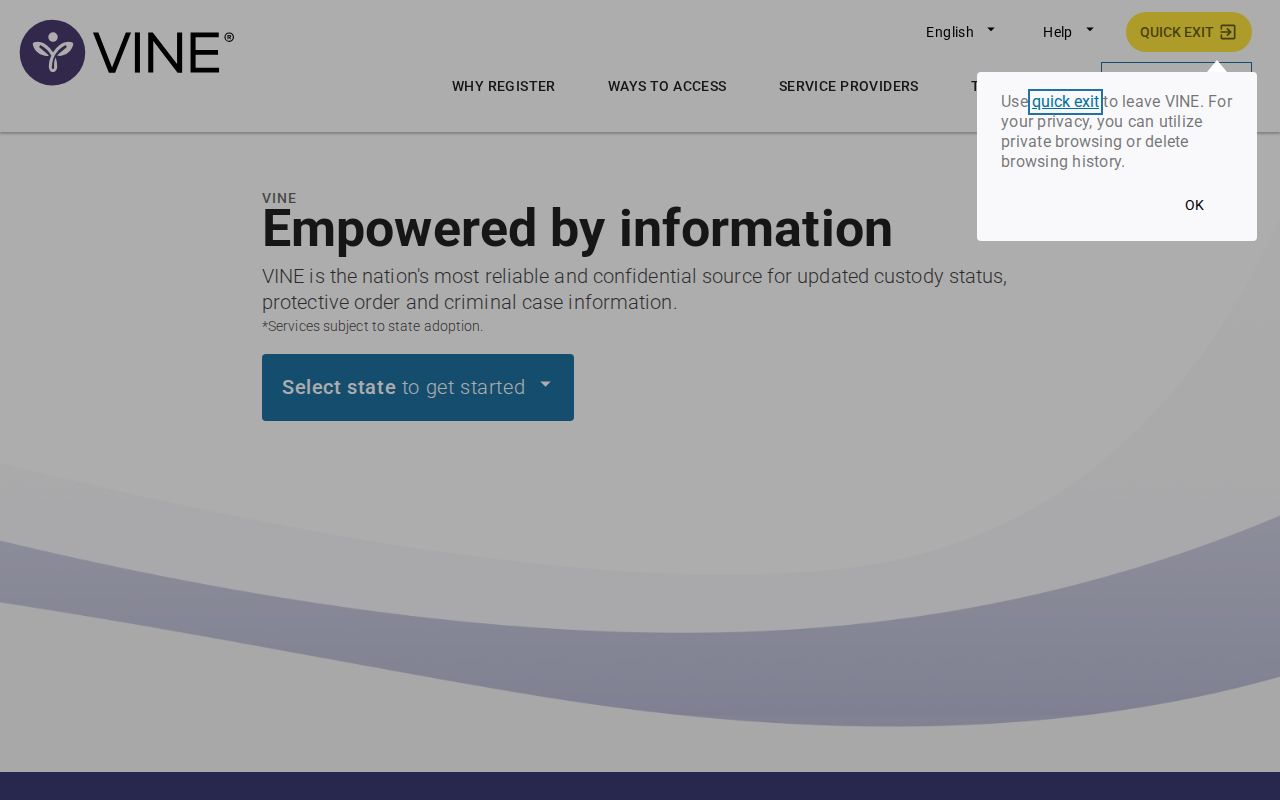
This image illustrates where to begin a named custody check, not a booking-photo collection.
Porter VINE Result Fields
Result fields depend on the live deployment and each facility's data. Copy only what VINELink shows. Importing a field from another state invites errors. A result may confirm custody, release, transfer, or no matching record, but it will not deliver a full charge narrative.
| Result item | How to read it |
|---|---|
| Name or identity label | Use it to distinguish possible matches, with care for spelling and similar names. |
| Custody status | The status reported to VINE by the participating custody system. |
| Facility or agency | The location or reporting custodian associated with the result. |
| Inmate identifier | A custody-system number when the live result makes one public. |
| Status date | The event or update date displayed by the service, not a court disposition. |
| Notification options | The event and delivery choices available for that selected record. |
A released status means the reporting system logged a release event. Nothing gets erased. The Porter County booking record stays in place. A transfer can move someone beyond the county jail while leaving later status with another participating agency. A missing result may come from spelling or timing. It may also stem from a different facility, restricted data, release, transfer, or system limits.
Note: Read the exact live status and update label, because VINE is a notification feed rather than a guarantee of current custody.
Register Porter County VINE Alerts
Registration begins once the right person's record is selected. PCSO advertises phone and email notifications. Which event types appear depends on the live Porter screen. Labels can vary, so pick from the choices shown rather than assuming every facility offers the same release, transfer, or escape menu.
- Confirm the name, status, and facility on the selected record.
- Choose the notification or registration option on that record.
- Select an available phone or email delivery method.
- Enter a contact destination that the registrant controls.
- Create the requested four-digit PIN if the live flow displays that step.
- Complete any verification prompt and save the confirmation details privately.
A PIN manages or cancels an alert. It is not an inmate ID. Keep it out of any public post, and never enter someone else's phone number or email in a demonstration. A redacted or test flow suits documenting the interface. VINE alerts are not an emergency system. Anyone facing an immediate safety threat should call 911 or contact the appropriate agency. Delivery can falter through carrier filters, email settings, wrong contact data, unanswered calls, or a slow source update.
Porter County VINE Versus Roster
Porter County runs separate products for separate jobs. Recent Bookings is the rolling intake view. Who's In Jail is the current county roster. VINELink follows one selected person's custody status and allows registration, while MyCase supplies later public court information once a case is filed and available. None of them stands in as a full substitute for the others.
| Question | Best official channel |
|---|---|
| Was a new county booking posted? | PCSO Recent Bookings |
| Is the person currently listed at the jail? | PCSO Who’s In Jail |
| Can I receive a custody-change notice? | Porter County VINE and VINELink site 15000 |
| What did the arresting officer report? | The arresting agency’s incident-report custodian |
| What happened in court? | Porter County Clerk and Indiana MyCase |
Here is Porter County's distinctive VINE angle. Notification is not a roster. Registration never establishes the booked charge, the final charging decision, bond history, or a court outcome. It also keeps no old booking photo online, since the alert simply follows event data from the participating custody system.
Porter County and Indiana SAVIN
Indiana runs a state option too. The Indiana Department of Correction links Indiana SAVIN, a statewide notification cousin of VINE. State materials promise free, anonymous notice. Coverage spans county jail and DOC custody. For a Porter County jail event, the sheriff's local page and VINELink site 15000 stay the direct starting points. The official Indiana SAVIN site holds the state entry.
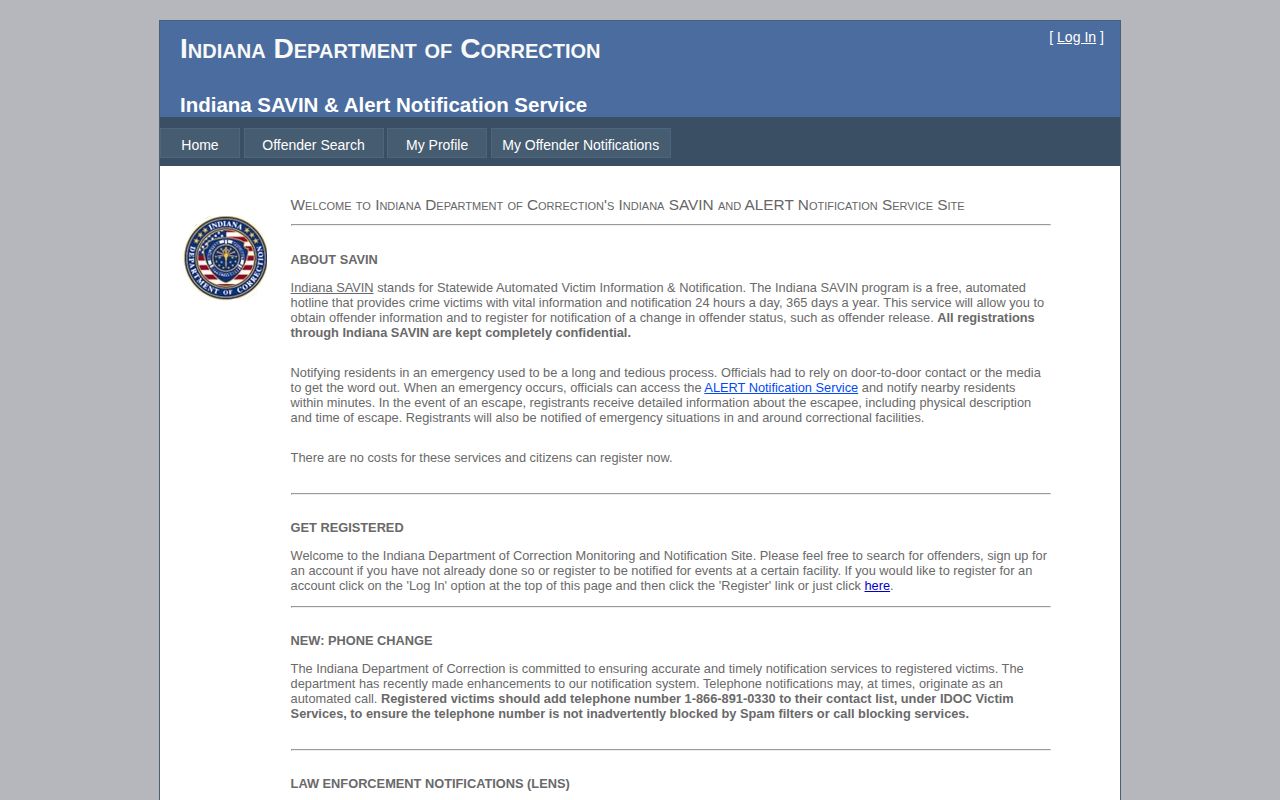
State notification and the sheriff's booking pages answer different questions. Keep them separate. IDOC custody is a later, separate prison stage. Someone booked in Porter County may never enter IDOC. For a DOC number, prison location, or later state custody, the official IDOC offender locator is the proper search, not a same-day Porter arrest source.
Porter County VINE Coverage Limits
VINE shows custody status. It is not a criminal history. It is not a probable-cause account. A new Porter County booking can also lag while intake and source updates run, so notice is never guaranteed to be instant. For a very fresh arrest, compare the official recent-booking and roster pages. The Porter County Arrested Today page explains that rolling-window check.
Federal custody works differently. The Federal Bureau of Prisons locator covers federal inmates, not county bookings. ICE runs its own detainee locator for immigration holds and certain recent CBP custody. The U.S. Marshals Service posts no national same-day roster. A blank BOP result rules out very little.
No county record found? Call PCSO Records at 219-477-3080. Ask which route the record follows. The sheriff's formal arrest check covers verified Porter County booking information only. Charging decisions, trial outcomes, and final disposition belong with the Clerk and MyCase.
Phones work when internet does not. The same identity and timing limits apply. Dial the sheriff-published VINE number. Listen for the jurisdiction and status labels, and keep your PIN private. If an automated message clashes with the facility's answer, ask the facility to confirm the latest event. VINE relays data from participating systems; it never investigates a booking, orders a release, or corrects a court file.
Note: A VINE alert can arrive after a roster changes, so confirm directly with the agency whenever timing or safety matters.
Porter County VINE Is Not Guilt
A VINE result tells you where someone is held or that a status changed. That is its whole job. PCSO's arrest-check language keeps verified booking information separate from charging and trial matters. Court outcomes live elsewhere.
For a public disposition, use MyCase or the Porter County Clerk. MyCase is not a full criminal history. Confidential, juvenile, sealed, and expunged records may not appear. Read nothing into silence.
Keep alert confirmations private. They can hold a PIN, contact details, and sensitive facts about the person who registered. VINE's value is timely custody awareness, not publication of registration data.
Does a notification clash with a known court date or jail status? Preserve the message time. Contact the agency named in the result. The Clerk keeps the public case file, and PCSO keeps the custody record; each office speaks only to its own. That separation keeps a release notice from reading as a dismissal, and a court entry from reading as physical release.
The Porter County recent-arrests hub sets VINE beside the official roster, booking records, municipal report routes, and the later court-disposition check.